
Description
Product Overview
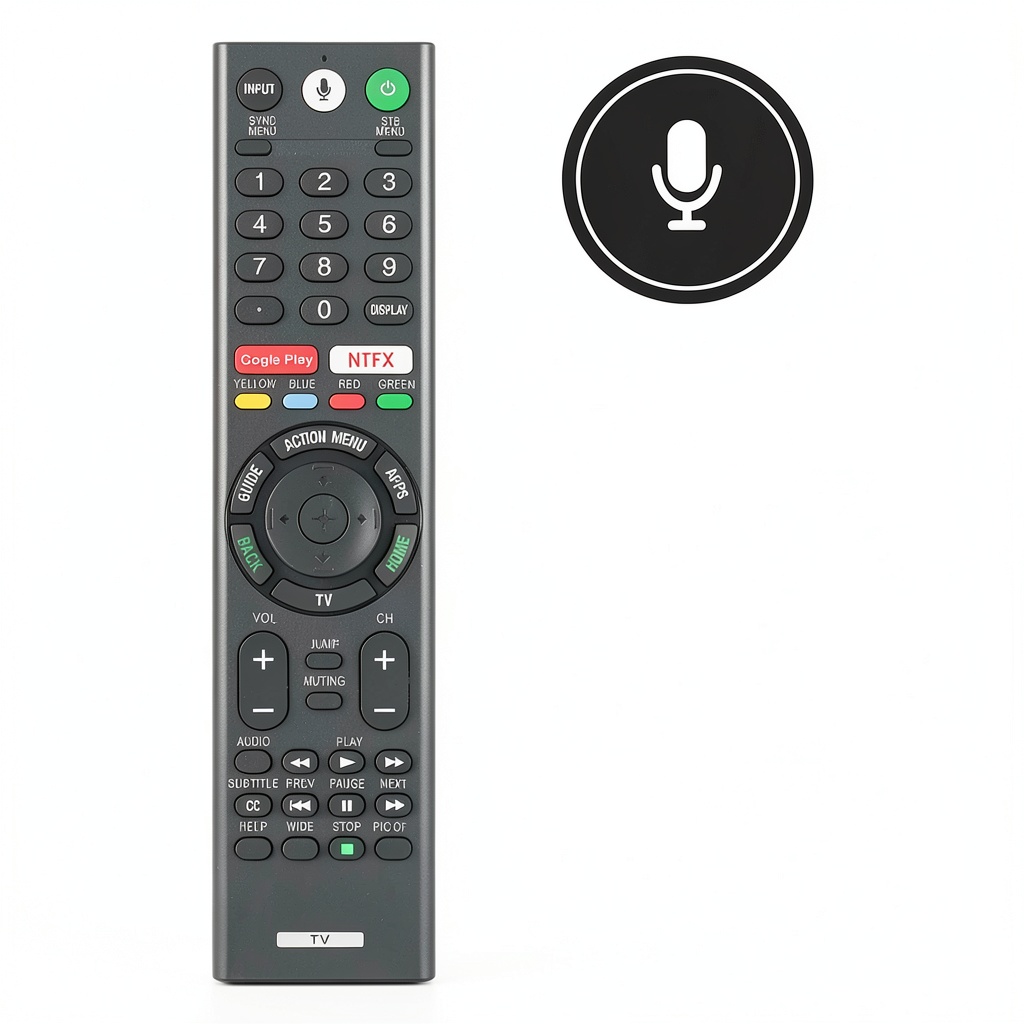
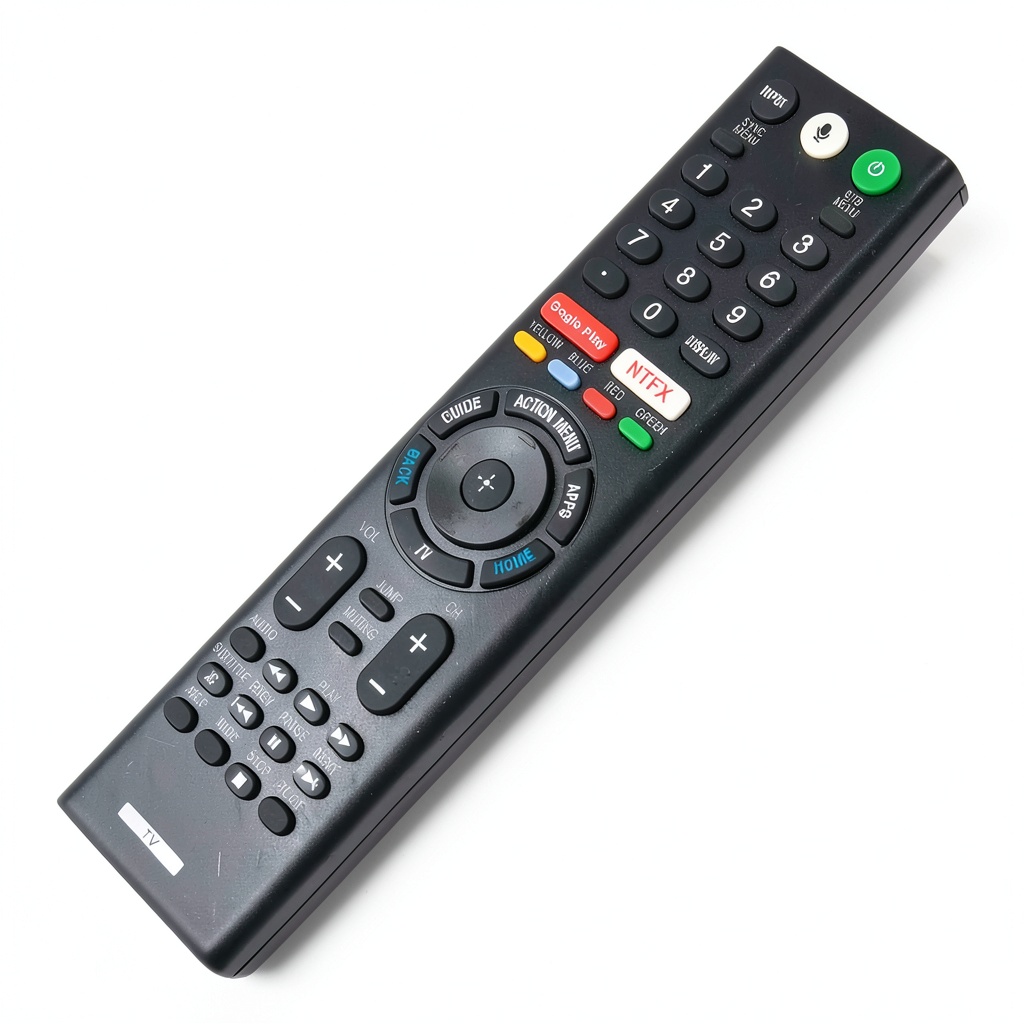
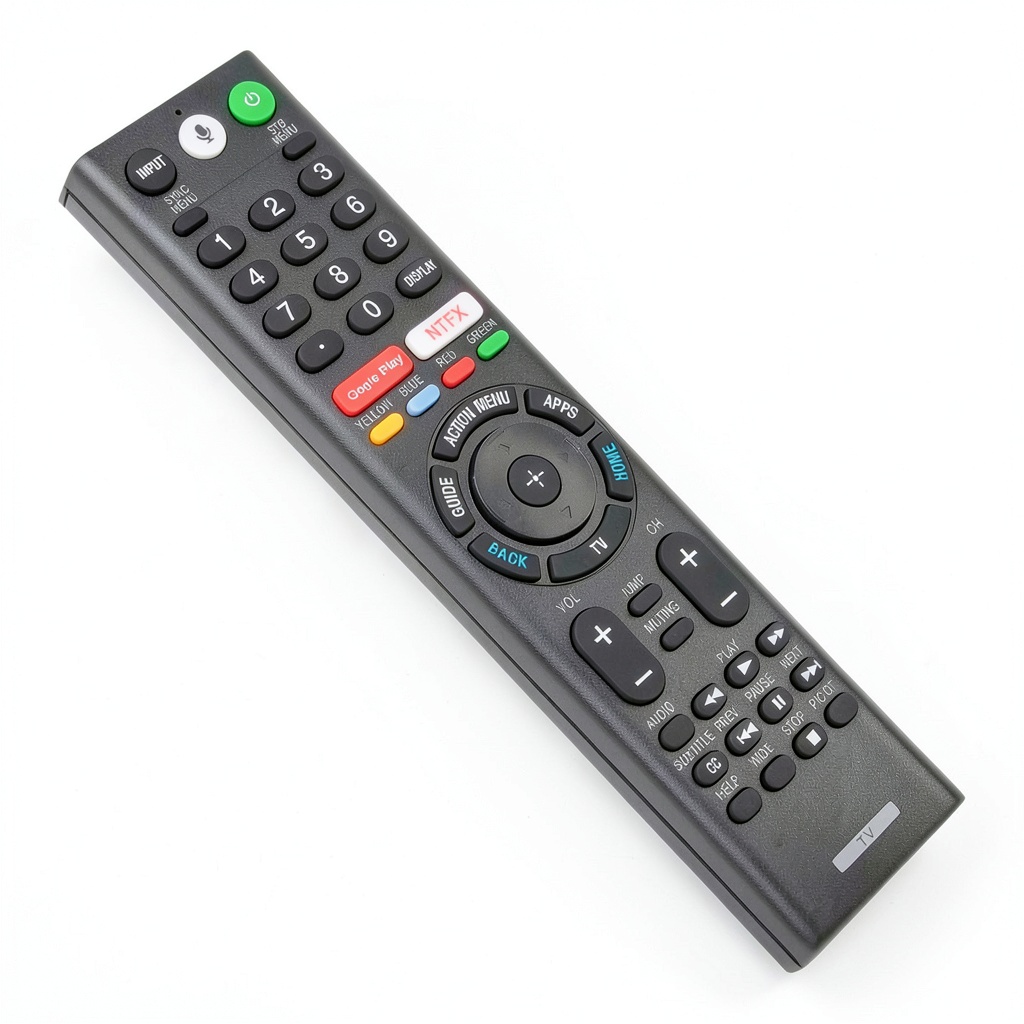
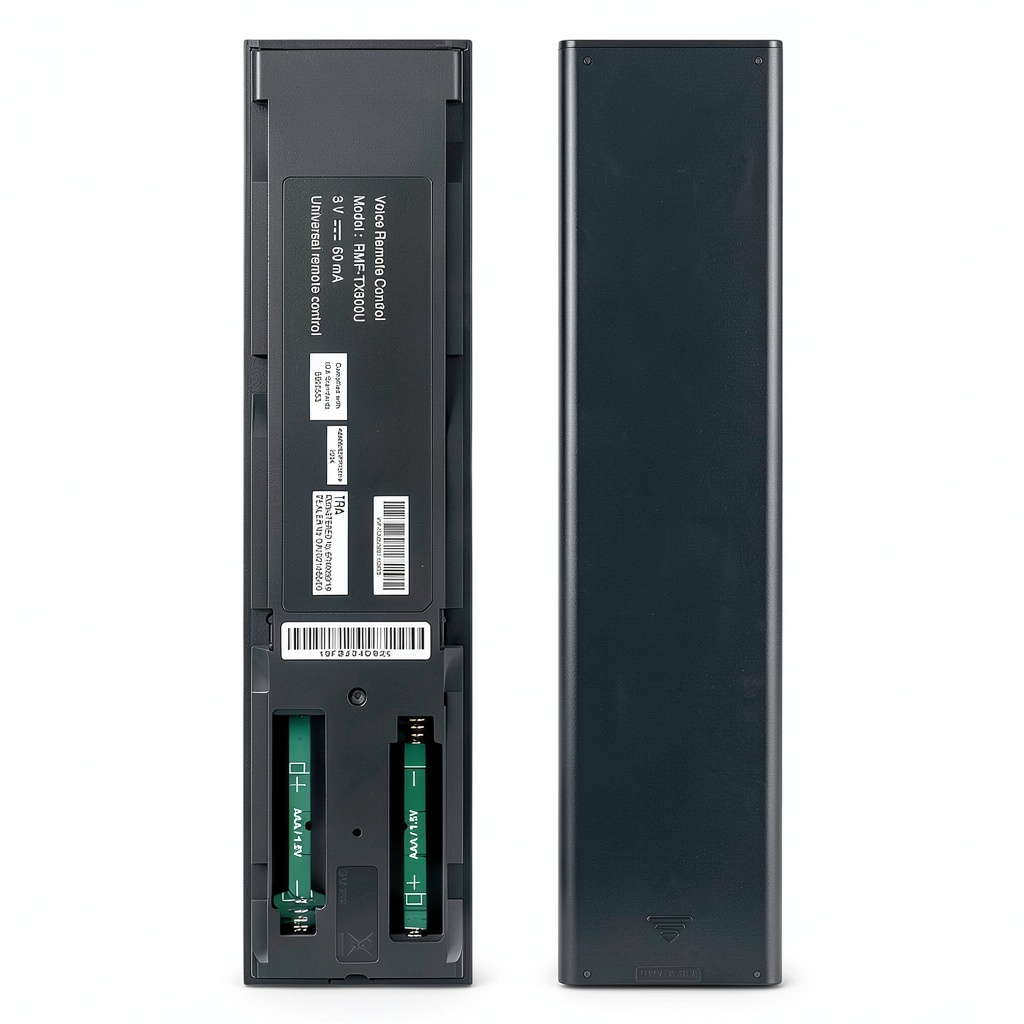
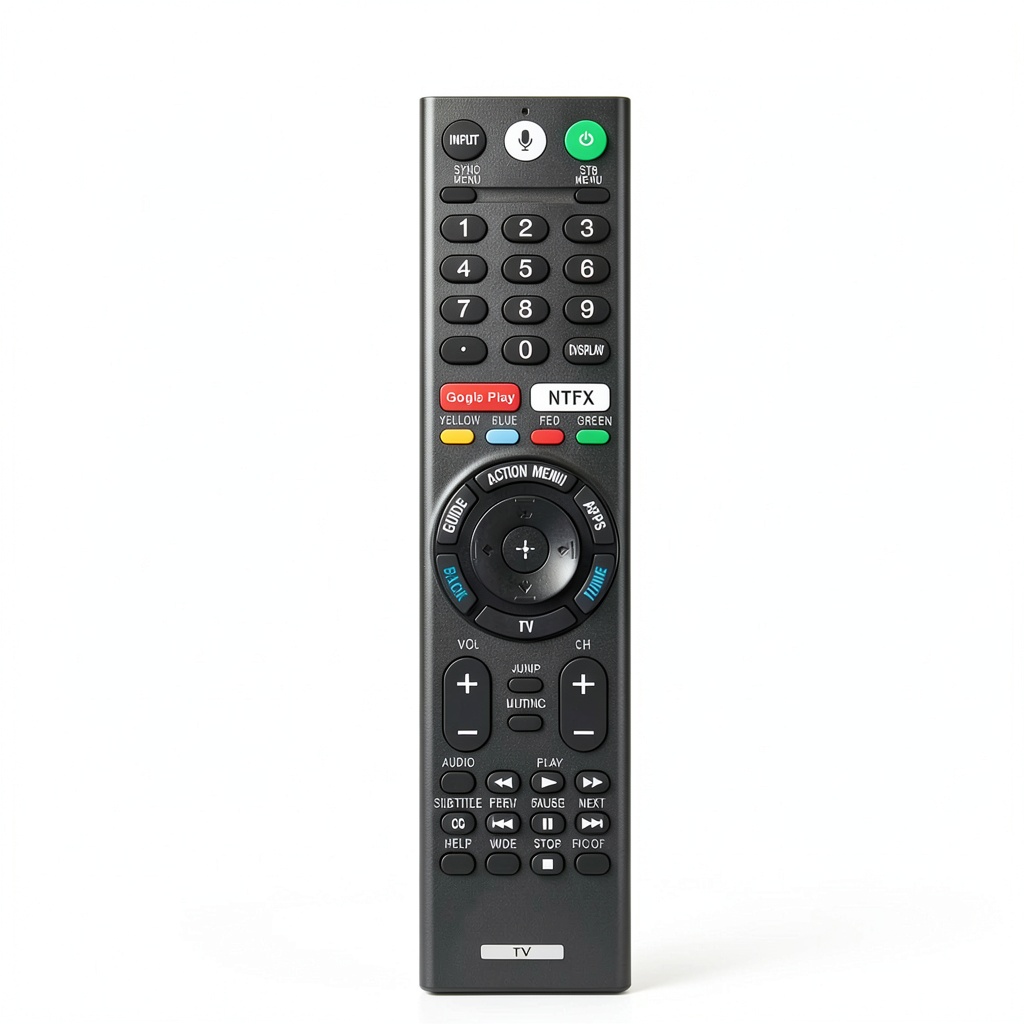
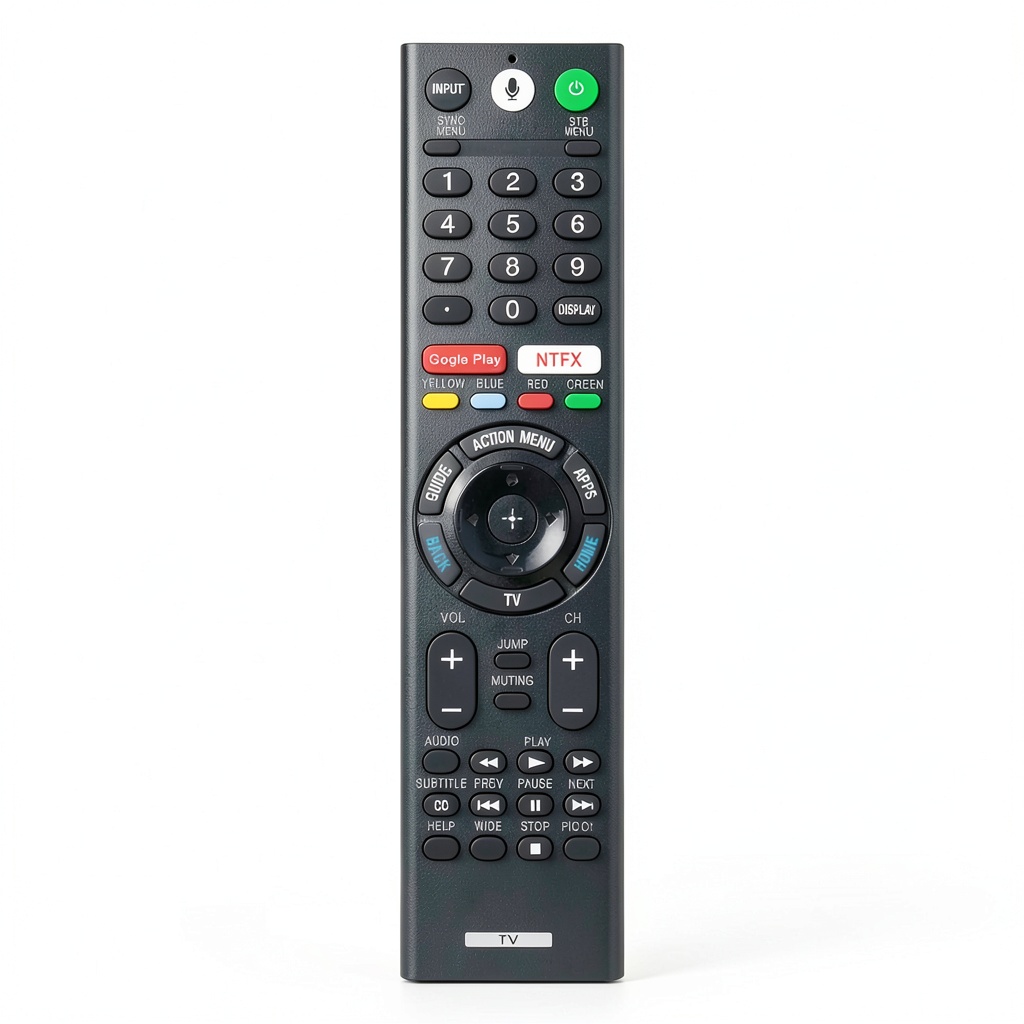
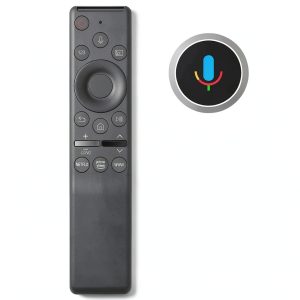
The ZdalaMit RMF-TX300U replacement voice remote control is engineered to seamlessly replace original Sony remotes for 4K Smart LED and Bravia TVs. It features a built-in microphone for voice commands, enabling hands-free control of your TV’s smart functions. The remote supports a wide range of Sony models, including XBR-85X850D, XBR-43X800E, XBR-49X800E, XBR-55X850D, XBR65X930D, XBR65X930E, XBR75X930D, XBR75X940D, XBR75X940E, XBR85X850D, KDL-50W800C, KDL50W800C, KDL-50W850C, and many others listed in the product details. Crafted from durable ABS plastic with a sleek black finish, it mirrors the original design for ergonomic comfort and easy navigation. Key specifications include infrared connectivity, standard button layout with media playback controls (play, pause, forward, back, stop), and compatibility with Sony’s voice assistant features. It requires pairing before initial use and operates on two AAA batteries (not included), ensuring quick setup and reliable performance.
Usage
This replacement remote is ideal for home entertainment setups, particularly in living rooms, bedrooms, or home theaters where Sony 4K Smart LED or Bravia TVs are used. It suits everyday scenarios like streaming movies, browsing smart apps, adjusting settings, or using voice search for content. The target audience includes homeowners, renters, and tech enthusiasts who have lost or damaged their original remote and need a cost-effective, fully functional alternative. It’s also beneficial for multi-TV households or as a backup remote, providing consistent control without the high cost of OEM replacements. The voice feature enhances accessibility for users with mobility issues or those preferring hands-free operation, making it versatile for casual viewing, family movie nights, or professional media consumption.
Why Choose Us
ZdalaMit’s RMF-TX300U remote stands out due to its precise compatibility and quality construction. Unlike generic remotes, it is custom-designed to match Sony’s original specifications, ensuring all buttons and functions work flawlessly with supported TV models. The voice control capability, paired with robust media keys, offers a premium experience at a fraction of the cost. We prioritize durability and user satisfaction, with materials tested for long-term use and a design that minimizes learning curves. Our product undergoes rigorous quality checks to reduce defects, and it comes with clear pairing instructions for hassle-free integration. By focusing on exact replacements rather than universal options, we deliver reliability that generic brands often lack, making it a smart choice for maintaining your TV’s full functionality.
Key Features
- Voice control with built-in microphone for hands-free TV operation and smart app navigation.
- Full media playback support including play, pause, forward, back, and stop buttons for seamless streaming.
- Wide compatibility with Sony 4K Smart LED and Bravia TV models, ensuring precise replacement.
- Ergonomic black design with intuitive button layout for easy learning and comfortable handling.
- Durable construction from high-quality materials for long-lasting performance and resistance to wear.
FAQ
How do I pair the remote with my Sony TV?
To pair the remote, first insert two AAA batteries. Then, point the remote at your TV and press the pairing button as per your TV’s instructions, usually found in the settings menu under remote setup. Follow on-screen prompts to complete the process; it typically takes less than a minute.
Is this remote compatible with all Sony TVs?
No, it is specifically designed for compatible Sony 4K Smart LED and Bravia models listed in the product details, such as XBR-85X850D, XBR-43X800E, and KDL-50W800C. Check the compatibility list before purchase to ensure it works with your TV model.
Does the voice feature require an internet connection?
Yes, the voice control function relies on your TV’s built-in voice assistant, which needs an active internet connection to process commands and access online content or apps.
What should I do if the remote does not work after pairing?
First, verify that the batteries are correctly inserted and have sufficient charge. Ensure you are within range and pointing the remote at the TV’s sensor. If issues persist, re-pair the remote or consult your TV’s support resources for troubleshooting steps.
Are batteries included with the remote?
No, batteries are not included. You will need to provide two AAA batteries to operate the remote upon receipt.
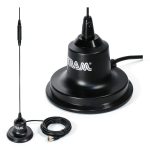
 Tram 500-Watt Heavy-Duty Trucker CB Magnet Antenna Kit
Reviews
There are no reviews yet.