
Description
Product Overview
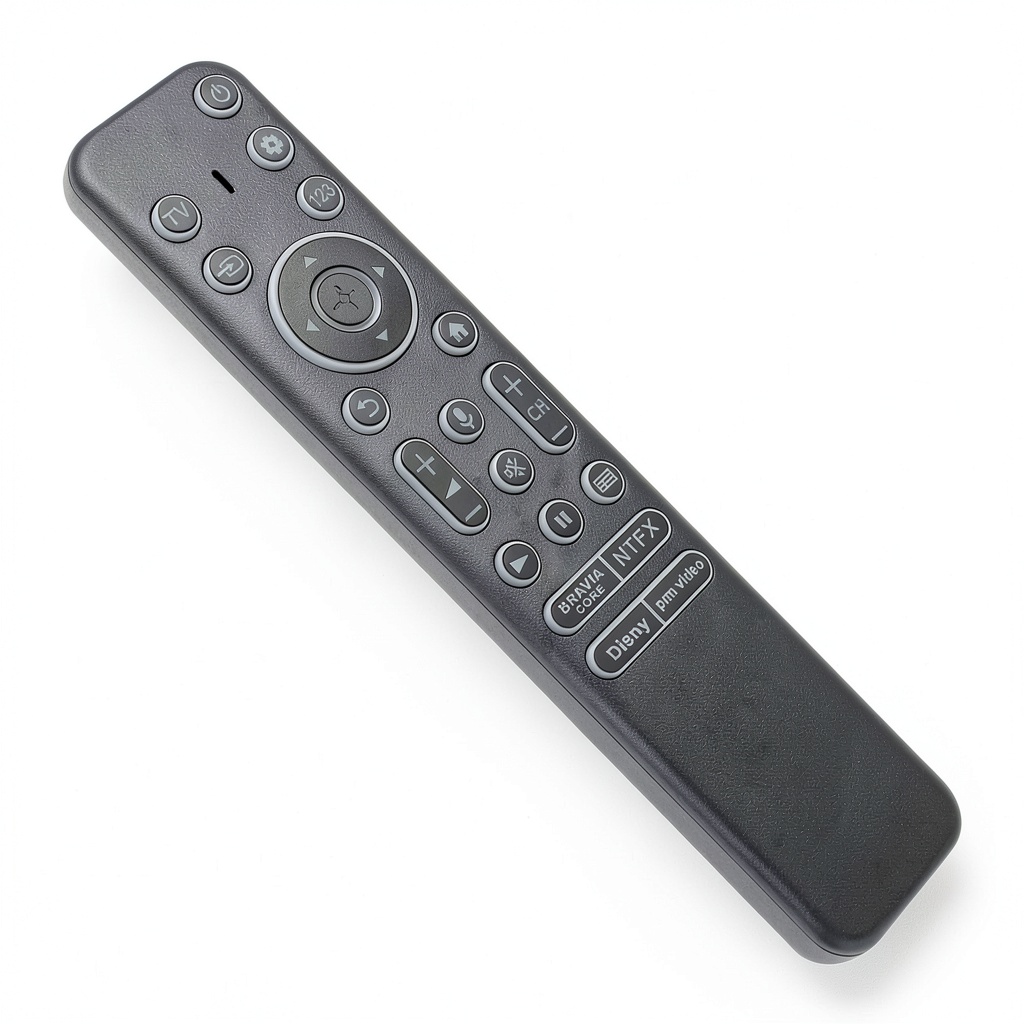
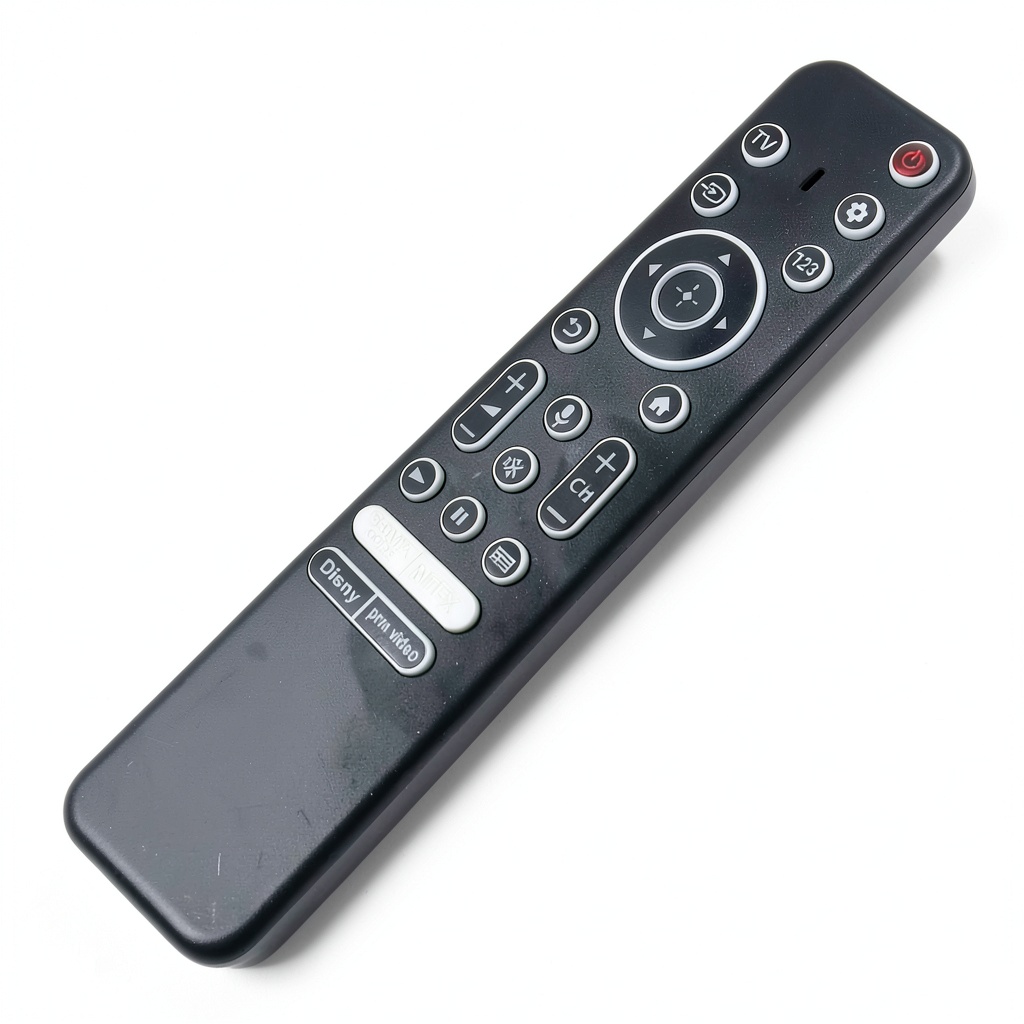
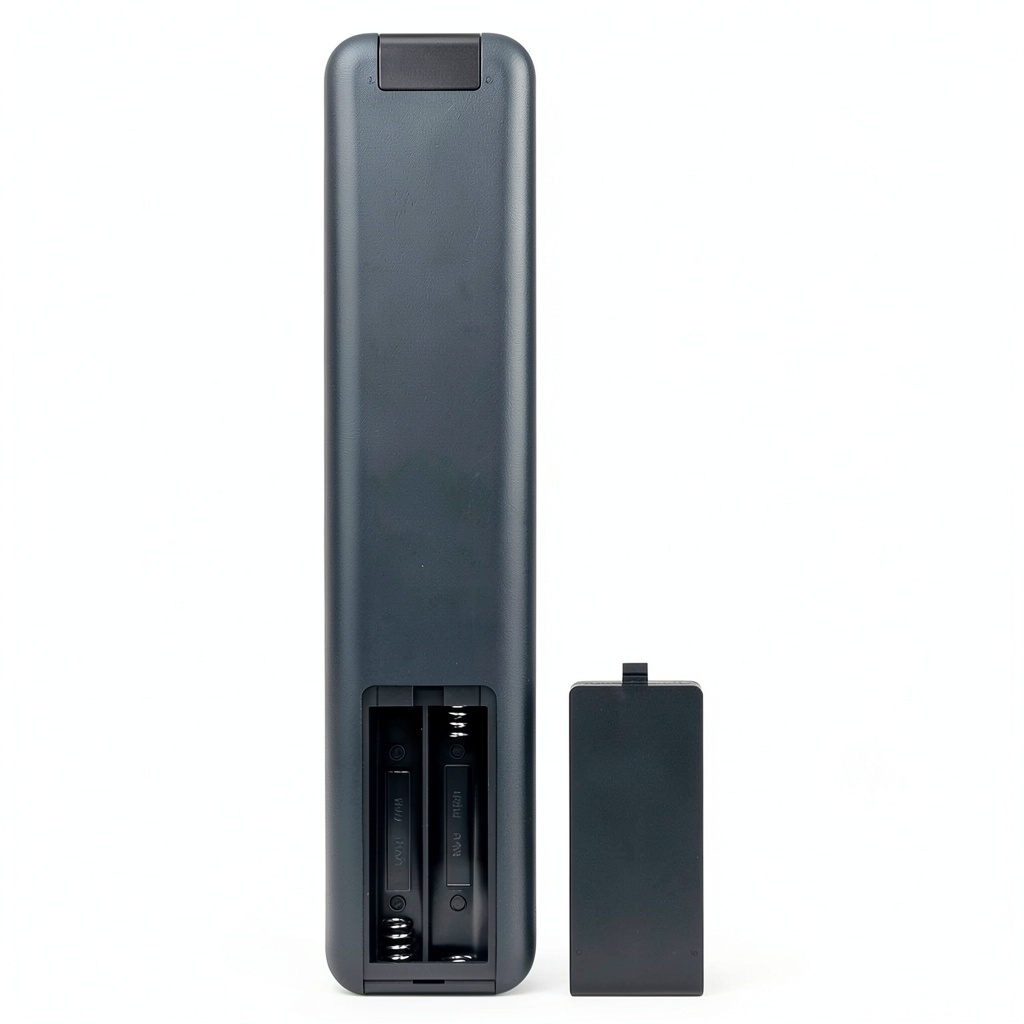
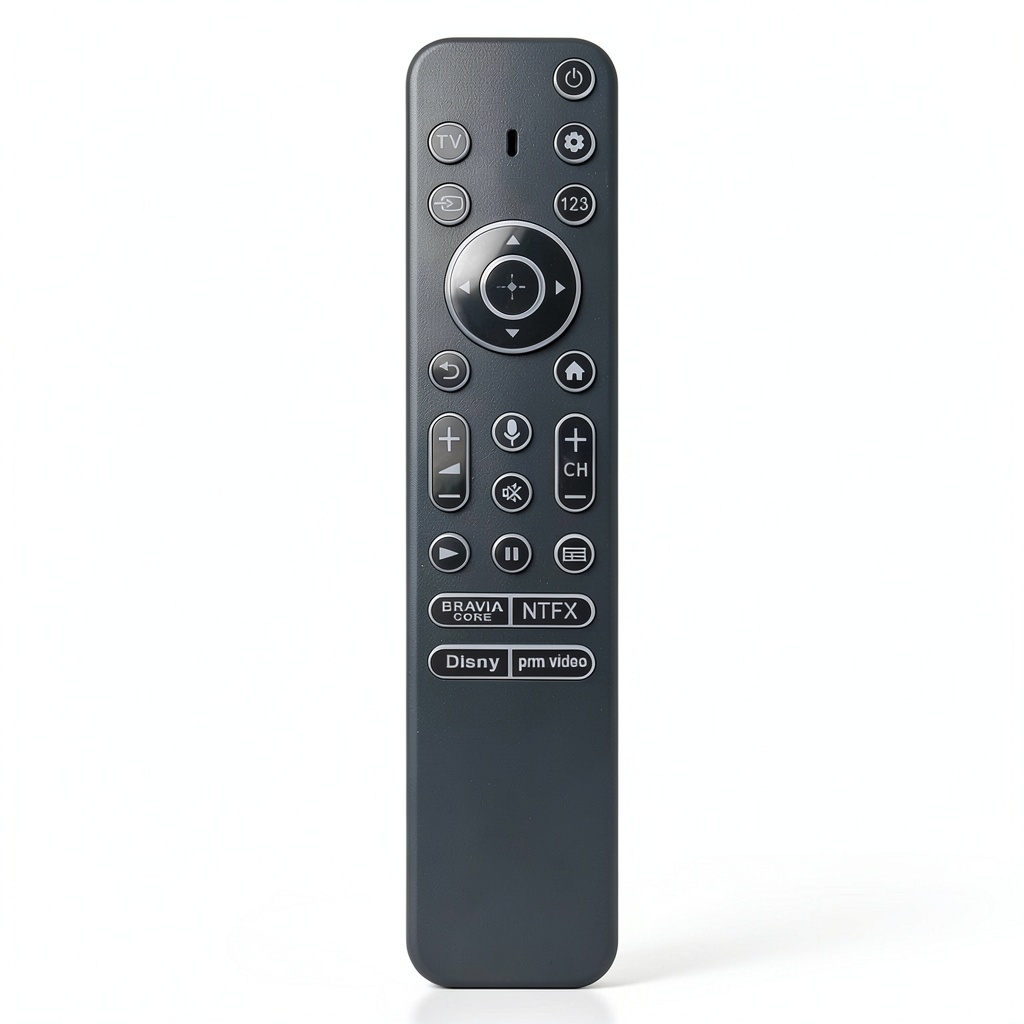
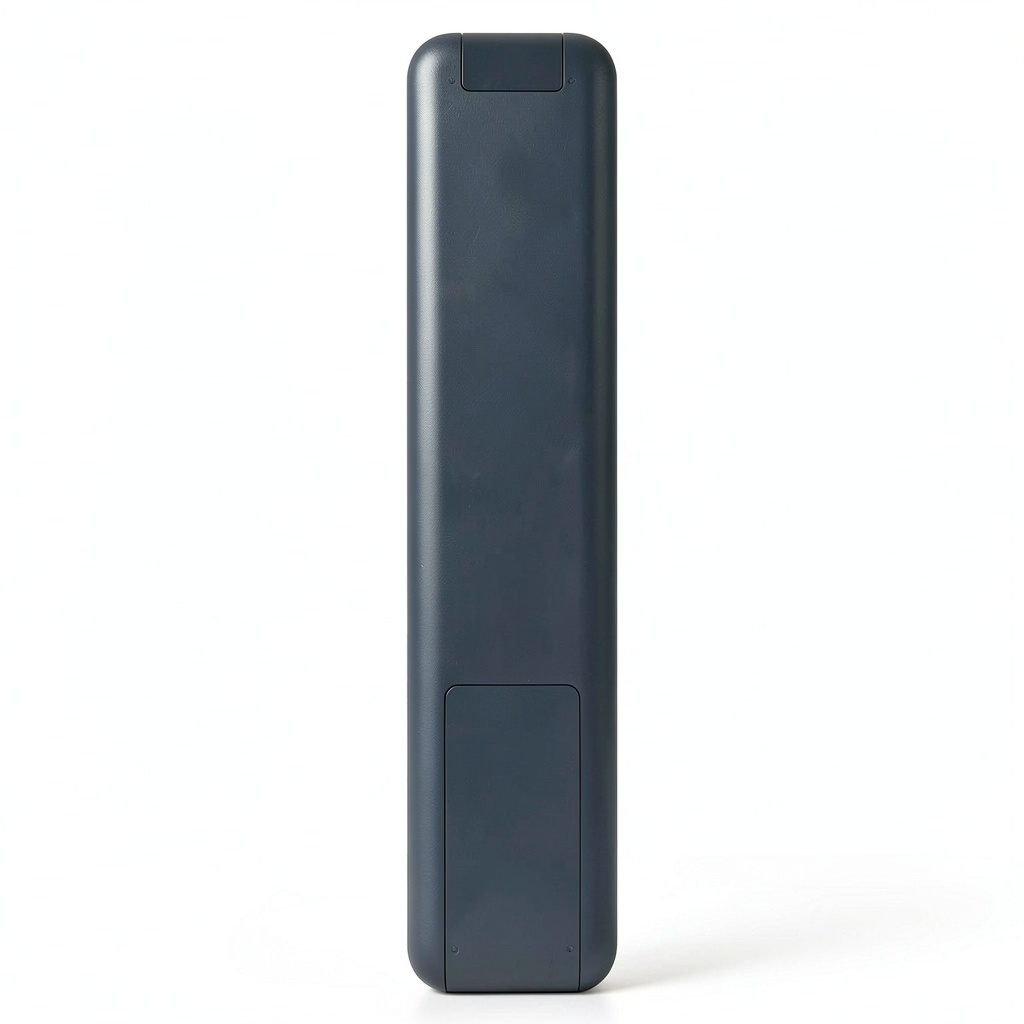
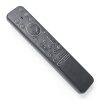
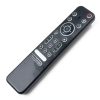
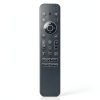
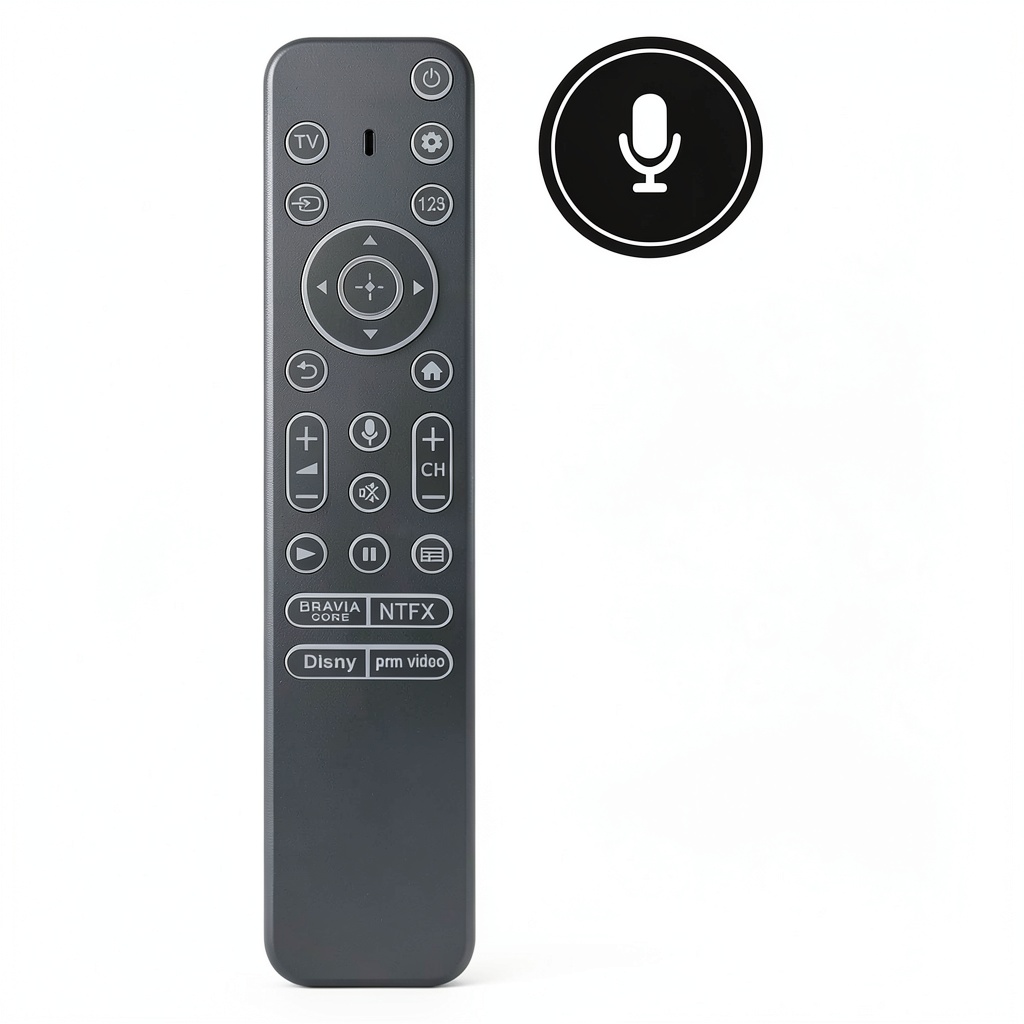
The RMF-TX900U is a replacement voice remote control designed specifically for Sony televisions. It is compatible with a wide range of models including XR-85X90CK, XR-48A90K, KD-55X80CK, and many others. This remote does not include backlit features but offers full functionality for TV operation, including voice commands and media playback controls. It requires pairing before use and comes without batteries, ensuring you can start using it quickly with your own power source.
Usage
This remote is ideal for home entertainment setups, allowing users to control their Sony TVs for streaming services, movie playback, and daily television viewing. It suits environments like living rooms, bedrooms, or home theaters where precise media control is needed. The target audience includes Sony TV owners who have lost or damaged their original remote and seek a reliable, easy-to-use replacement without unnecessary backlit distractions.
Why Choose Us
Our RMF-TX900U remote stands out due to its exact compatibility with numerous Sony TV models, ensuring seamless integration and performance. It is built with quality materials for durability and features a user-friendly layout that enhances learnability and ease of use. We focus on providing a cost-effective solution without compromising on functionality, making it a smart choice for those needing a dependable remote replacement.
Key Features
- Voice remote control for hands-free TV operation after pairing
- Compatible with many Sony TV models for broad applicability
- Media playback controls including play, pause, forward, back, and stop
- Custom-designed layout for intuitive use and quick learning
- Includes remote control unit only, allowing use with standard batteries
FAQ
Is this remote compatible with my Sony TV?
Yes, it is compatible with models such as XR-85X90CK, XR-48A90K, KD-55X80CK, and others listed in the product details. Check your TV model against the compatibility list to ensure it works.
Does the remote have backlit buttons?
No, this remote does not include backlit features, making it suitable for users who prefer a simple design without extra lighting.
How do I pair the remote with my TV?
You need to pair the remote before use by following the instructions in your TV’s settings menu. It typically involves holding specific buttons to sync with the television.
Are batteries included with the remote?
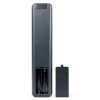
No, batteries are not included. You will need to provide your own standard batteries to power the remote.
Can I use this remote for streaming apps?
Yes, the media controls allow you to manage playback in streaming apps and other media content, enhancing your viewing experience.
Reviews
There are no reviews yet.